Note: You must have the necessary Roles associated with your User Profile
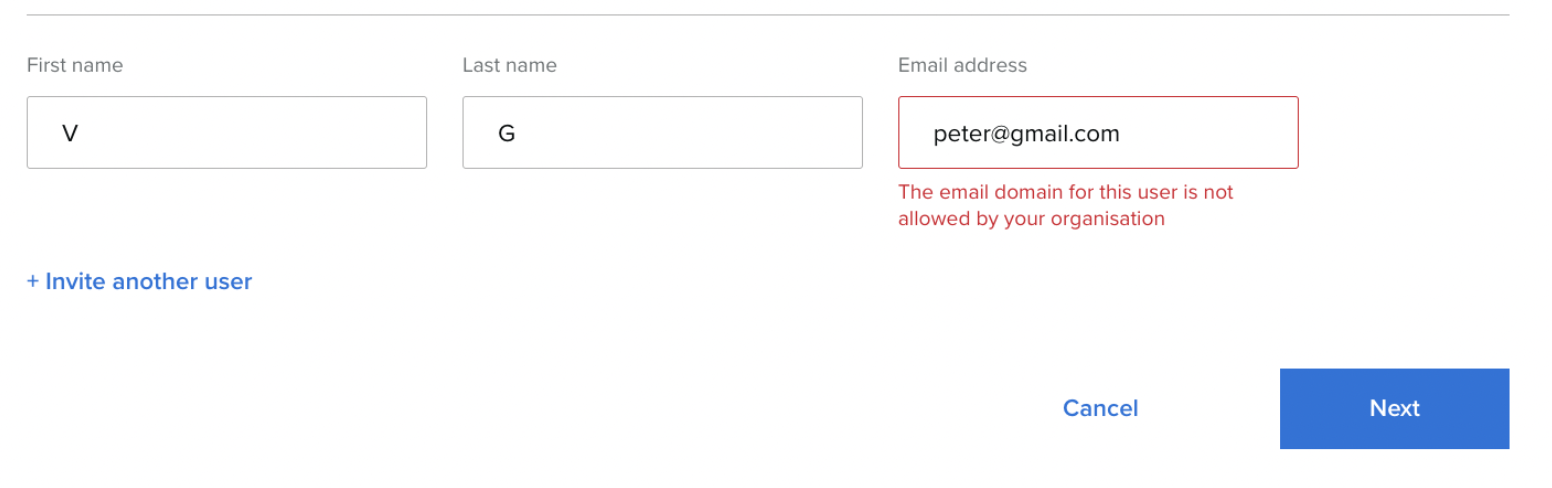
It is possible to configure your platform to allow platform informations to be sent to only allowed email domains. Values can be updated at a later time if new domains need to be added.
-
Go to the Ecosystem Administration on the navigation bar.
-
Click on the Metadata tab.
-
Add your list of approved user domains as Integration Metadata
-
Key: approvedUserDomains
-
Value: any domains that you to be approved for invites. Examples:
-
domain.com, domain2.com
-
*.domain.com
-
-

It will not be able to send an invitation to a user with an email domain that is not specified in this list of values.