
Welcome!
To join the Platform you will receive an invitation by email.
If you have lost track of an expected invitation then browse your Organization and ask your Organization Administrator to send another.
To register as a new user:
-
Click on the Platform link in your invitation email.
-
Sign in via you Single Sign On provider
-
Register your details:
-
Note, the Organization to which you have been invited is displayed which you can explore later.
-
Your First Name and Last Name are visible if you are registering via SSO, if not, they can be entered directly.
-
(Optional) Enter your Department, Job Title.
-
Click Continue.
-
-
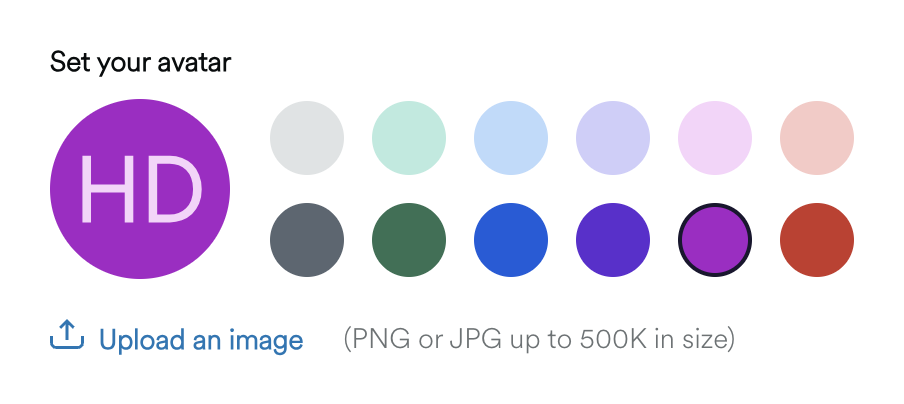
By default your Avatar is set to be the initials of your First Name and Last Name with a grey background. Alternatively you can change the background colour or upload an image to personalize your Avatar.
-
Click Continue
-
Read and the platform terms and conditions and
-
Click the check box to Accept
-
Click Continue.
-
Bookmark the URL for the Platform to make it easy to find when you want to log in.
Next Steps